Relaxus
· Vibration — Plate |
· Vibration — Plate |
Couldn't load pickup availability
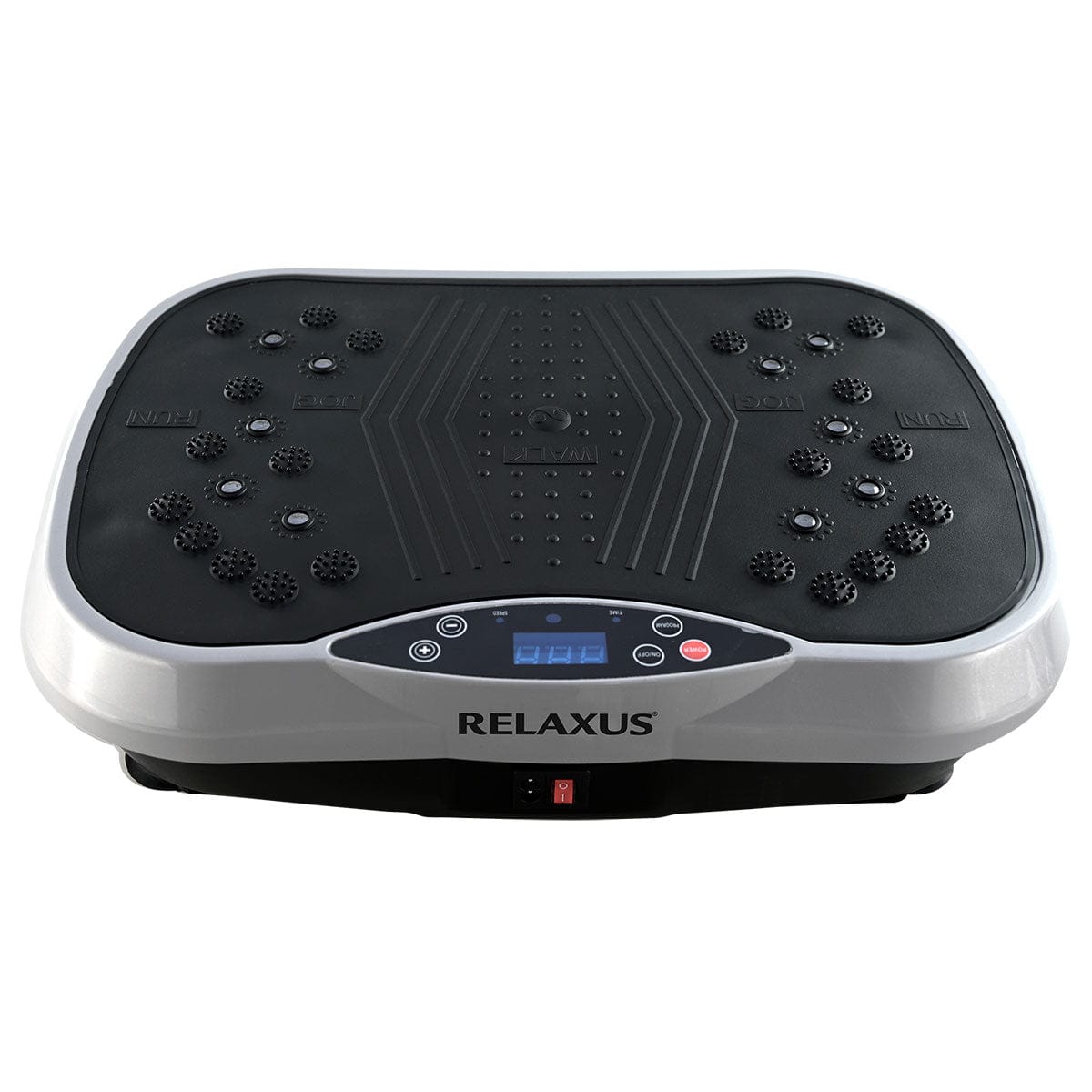
This Vibration Plate is made for simple, at-home movement and muscle toning—without taking over your space. Choose from 120 vibration levels and set a 10–20 minute timer, or use the preset programs that follow a Walking, Jogging, or Running-style pace.
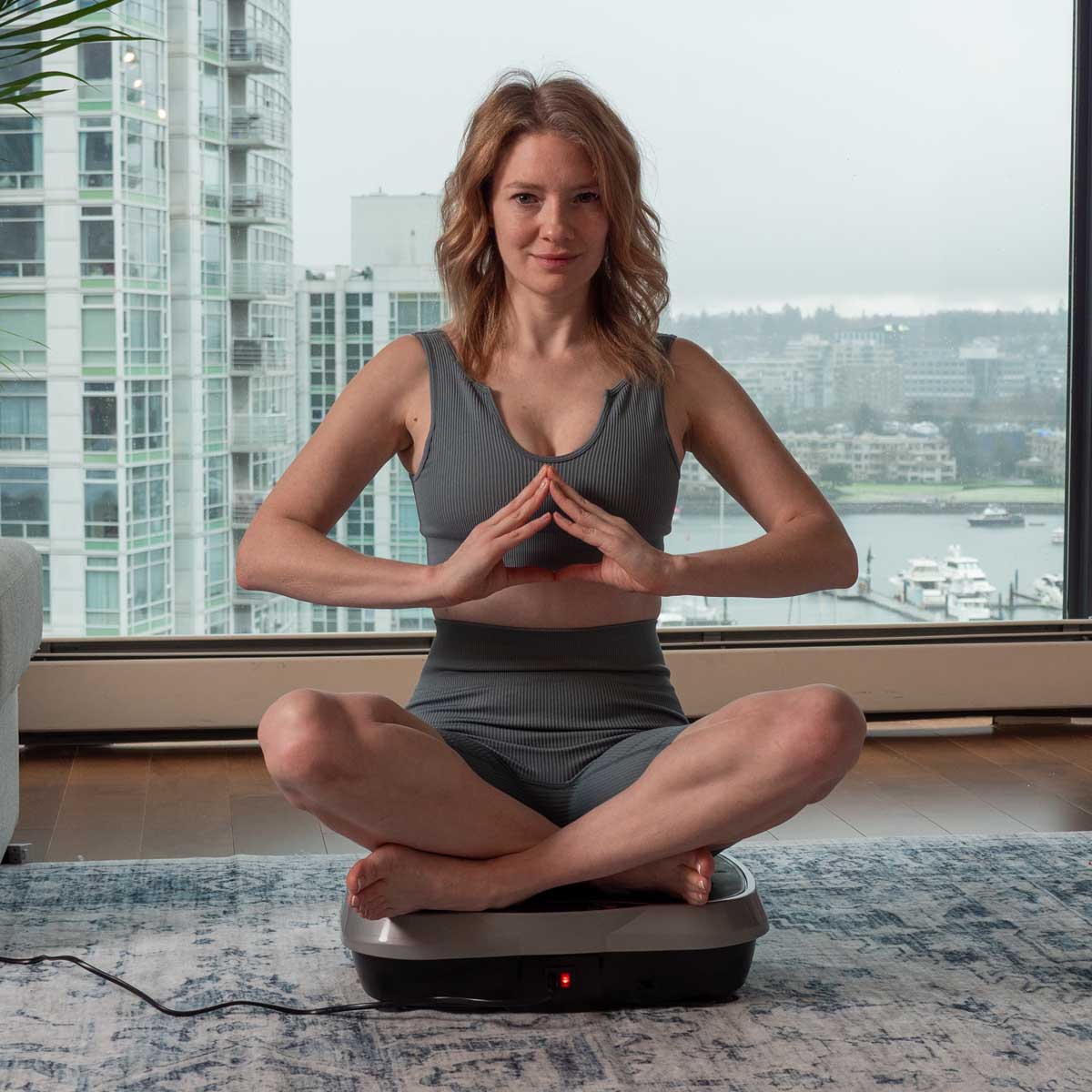
It’s a practical pick for everyday wellness and self-care: quick sessions that fit into real life. Use it as a warm-up, an evening wind-down, or alongside easy bodyweight moves when you want to add a bit more to your routine.
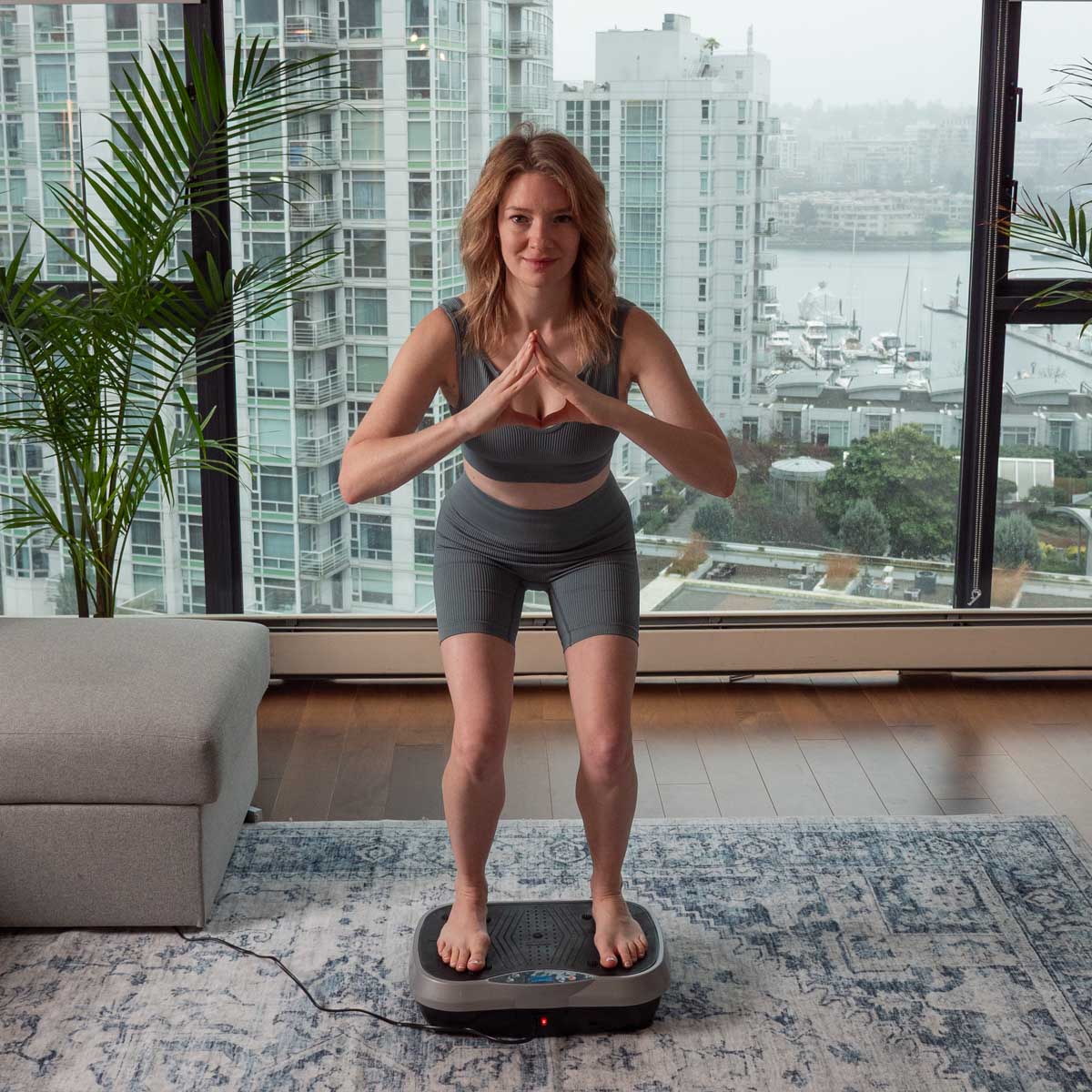
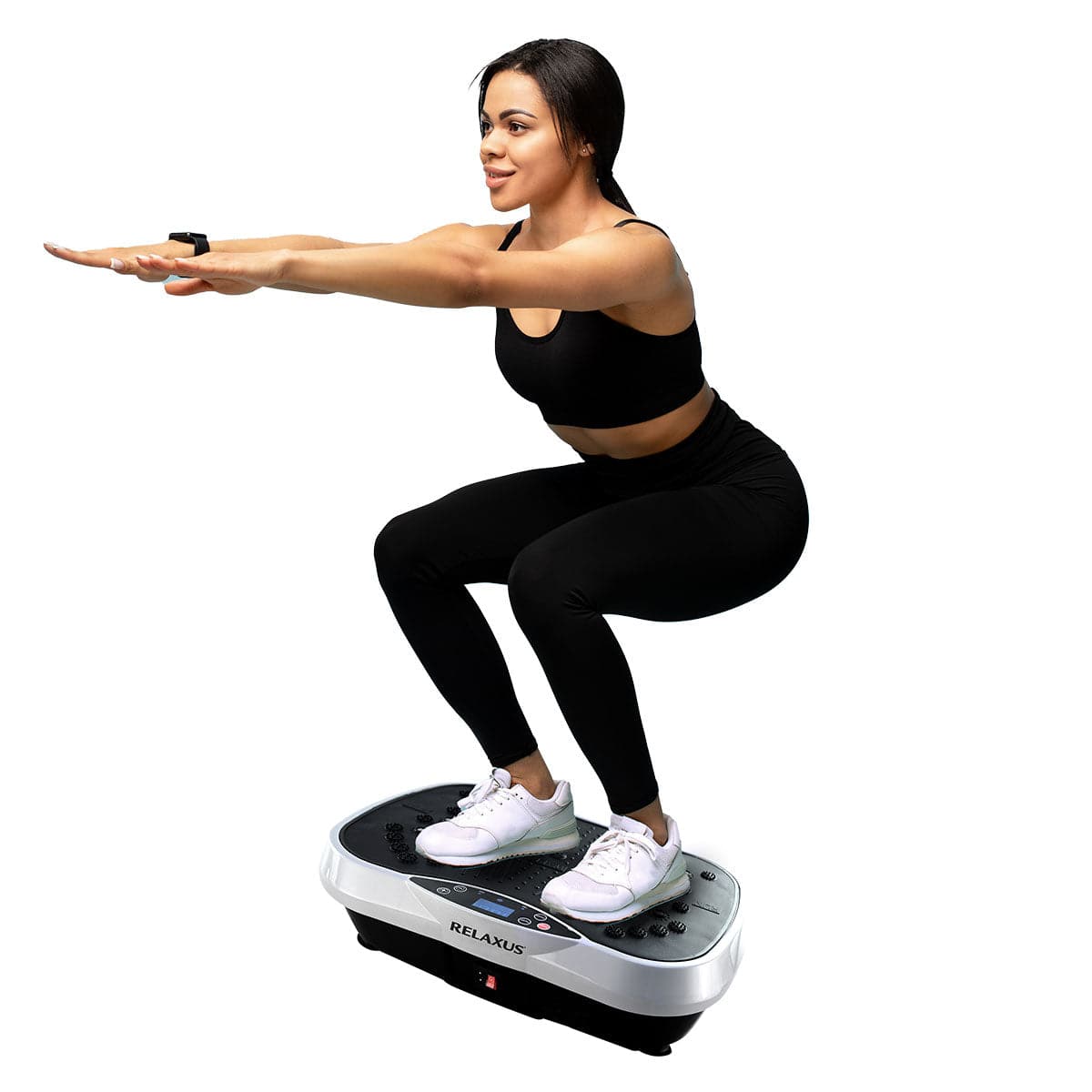
Whole-body vibration is commonly used to support lower-body engagement and stability during standing positions and light exercise. When used consistently and within a broader routine, it may support outcomes like strength, balance, flexibility, circulation, and post-workout comfort.
With a durable anti-slip platform, clear LCD display, and simple controls (panel + remote), it’s straightforward from day one—whether you’re buying for yourself, a busy household, or as a practical wellness gift.
What’s Included
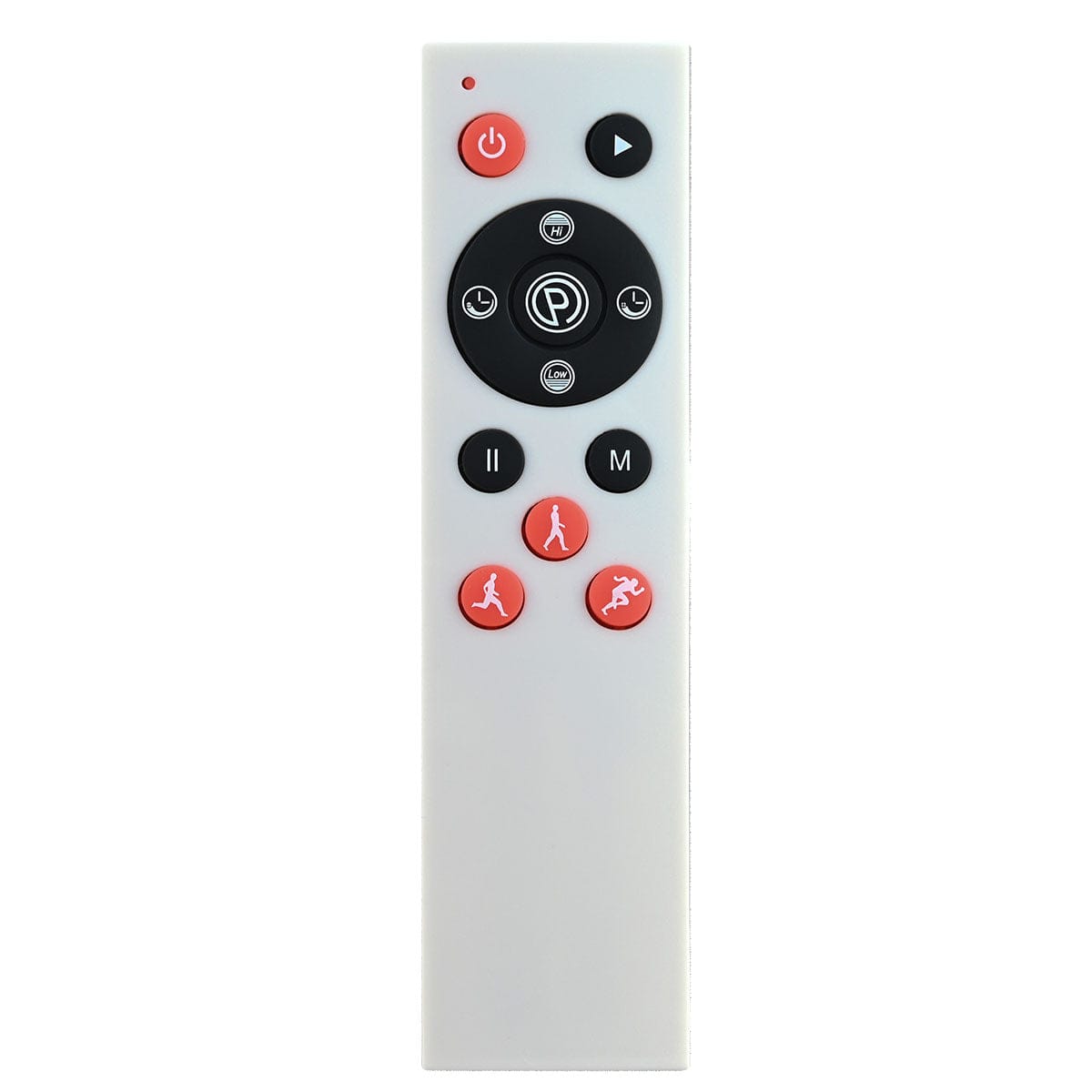
- Remote Control (requires 2 x AAA batteries, not included)
- Power Cord
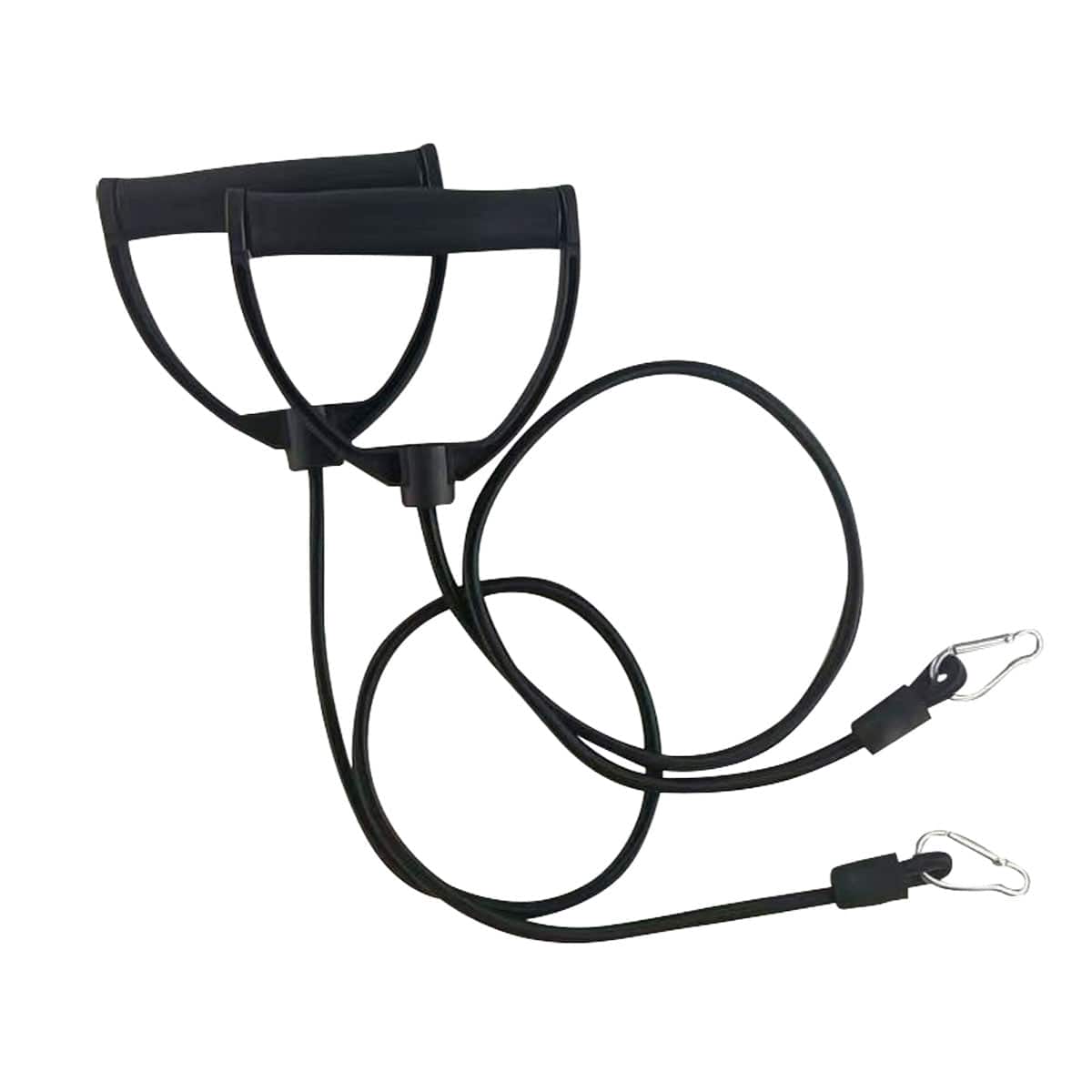
- Resistance bands with handles
- User Manual
At-a-Glance
- Adjustable intensity: 120 vibration speed levels (1–120)
- Session timer: 10–20 minutes
- Preset programs: Walking (P01), Jogging (P02), Running (P03)
- Easy controls: LCD display, on-board control panel, and remote control
- Space-saving build: compact design that fits in most rooms
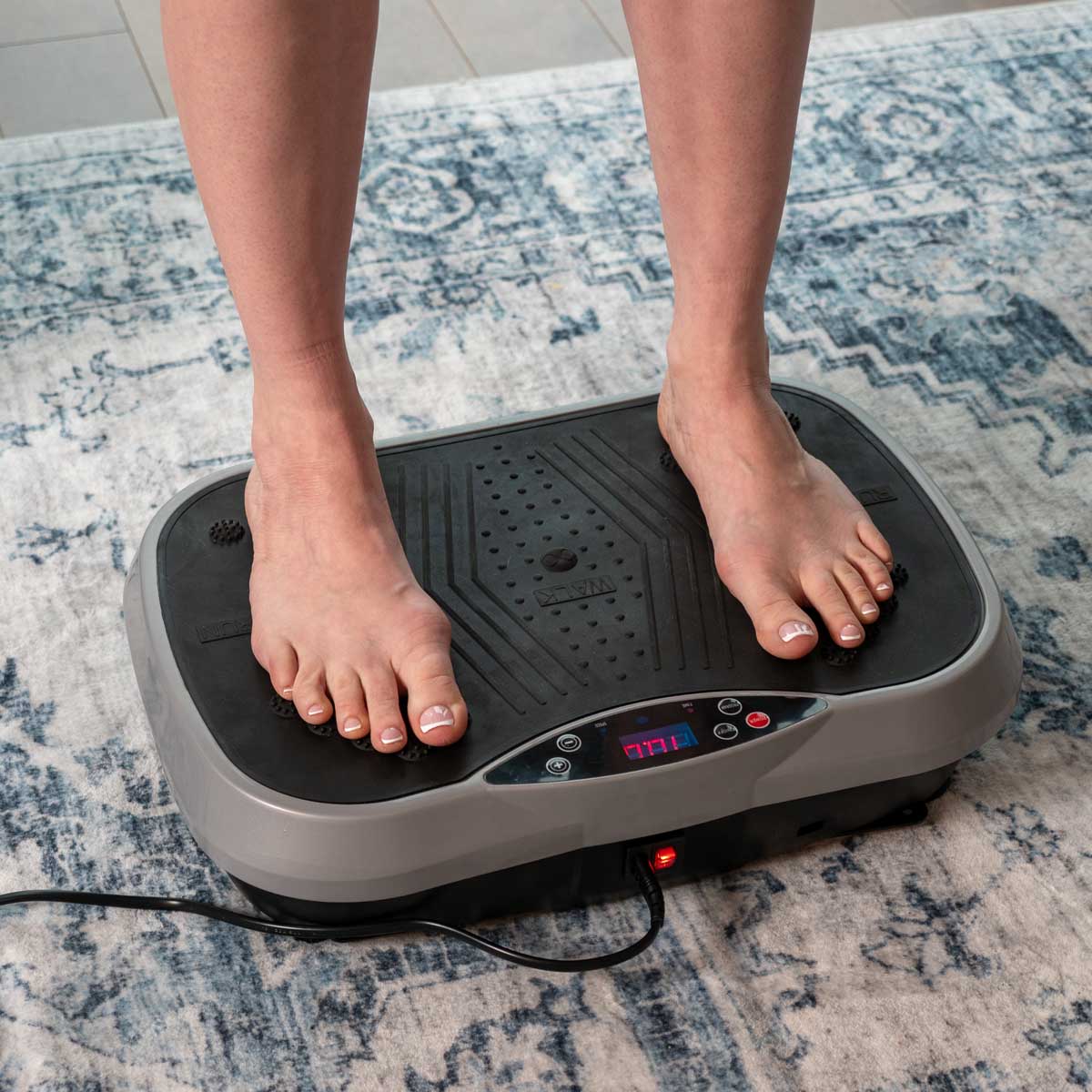
- Stable footing: durable anti-slip platform
- Optional upper-body add-on: includes resistance bands with handles
- Power: 110V–220V, 50/60Hz
- Warranty: 1-year warranty
Vibration Plate Benefits
- ◆ Short sessions that are easy to fit into a daily routine (10–20 minutes).
- A wide range of intensity options, so you can start gentle and build up over time.
- A simple way to add movement on busy days, especially when getting outside isn’t happening.
- May support muscle engagement during standing positions or simple at-home exercises.
- Research suggests whole-body vibration training may support lower-body strength and physical function when used consistently.
- May support balance and stability over time, especially when paired with simple positioning or light movements.
- May help support flexibility when paired with stretching or mobility work.
- May temporarily support circulation and a “warmed up” feeling before movement.
- Commonly used after workouts and may help support post-exercise comfort (like perceived muscle soreness) as part of recovery.
- Convenient controls (remote + display) that make it easy to adjust without fuss.
- A compact footprint that helps keep your space tidy between uses. ·
Features & Specifications
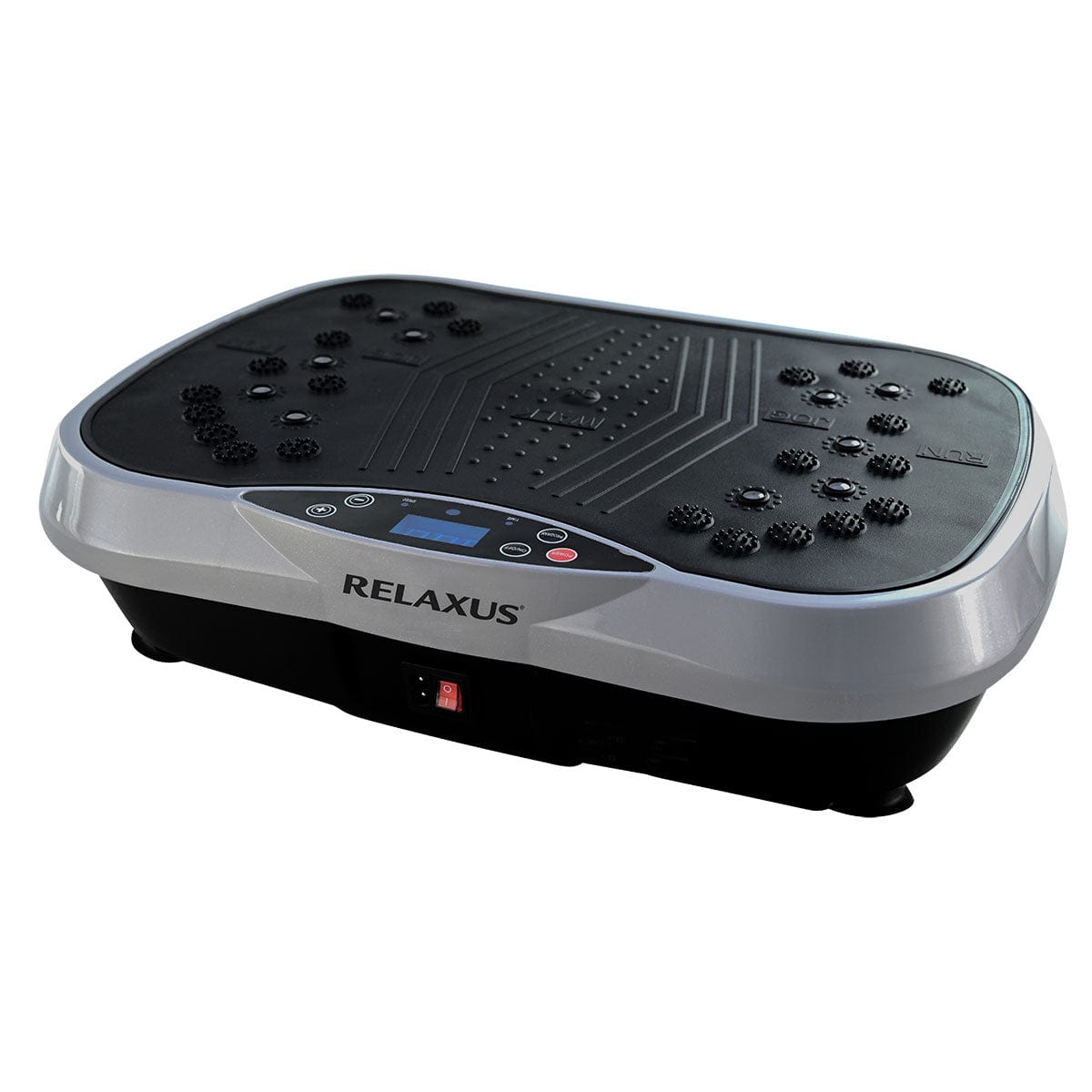
- LCD display: see your time, speed level, and program at a glance.
- Easy-to-use control panel and remote: adjust settings quickly during your session.
- Durable, anti-slip design that saves space: stable footing in a compact, room-friendly footprint.
- Speed levels: 1–120
- Timer: 10–20 minutes |
- Preset programs: P01 – Walking, P02 – Jogging, P03 – Running
- Preset program speeds: P01 Speed 20, P02 Speed 40, P03 Speed 60
- Voltage: 110V to 220V / 50Hz–60Hz
- Power: 200W
- Max supported user weight: 150kg (330 lb.)
- Product weight: 6kg
- Warranty: 1 year
• How to Use
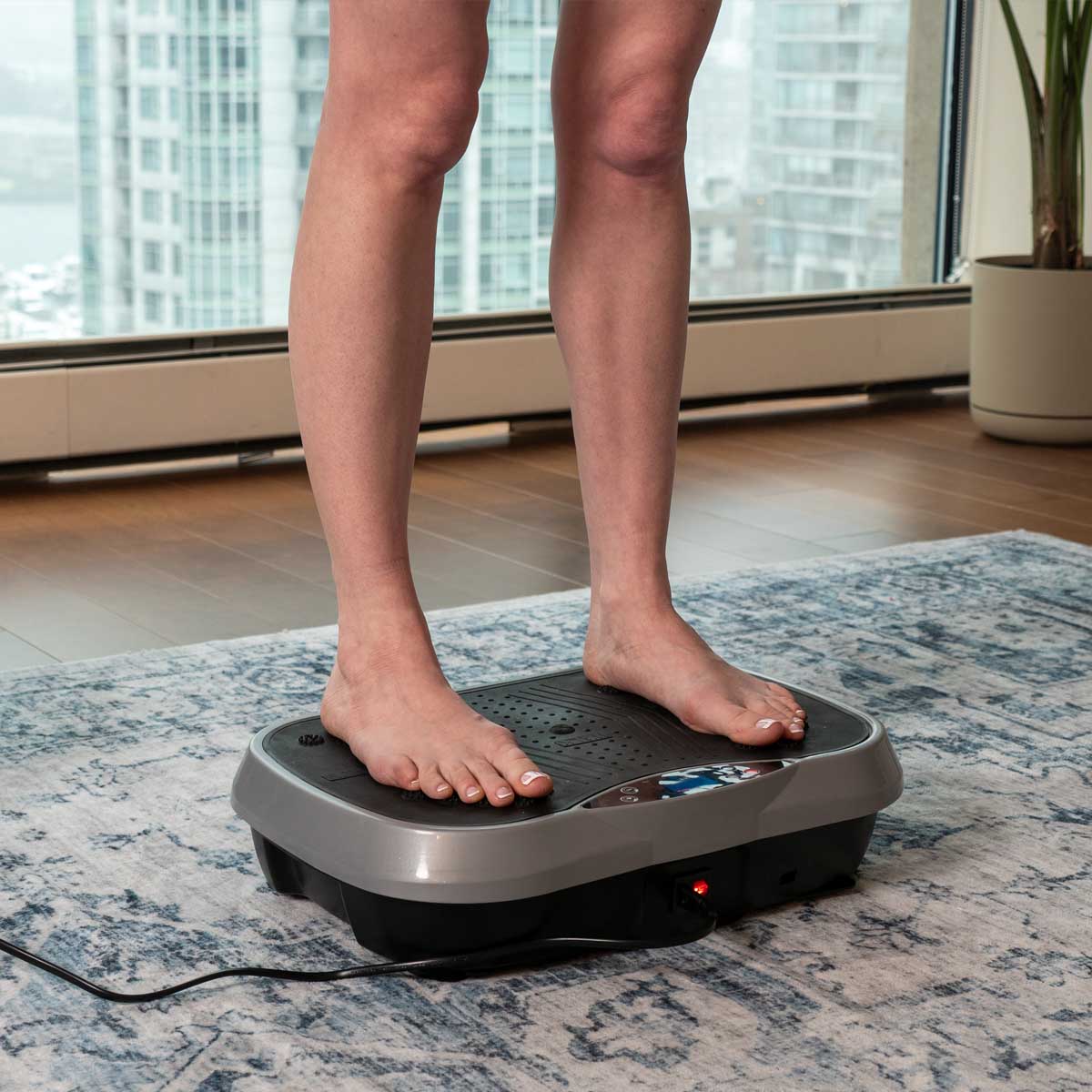
Important placement note: Place the vibration plate on a hard, flat flooring surface or low pile carpet only. Suction cups can help secure the unit to a hard flooring surface.
- 1. Power On: Connect the power cord to the device, then plug it into a compatible wall outlet. Next, turn on the Master Power Switch located on the lower front of the vibration plate.
- 2. Start the Machine: Press the Power button on the control panel to start the device.
-
3. Set Time and Speed: Press the Program button. The display will toggle between Time and Speed. Adjust using the + and – buttons:
- Time: Default is 10 minutes. Adjustable up to 20 minutes.
- Speed: Adjustable vibration speed from 1 to 120 levels.
-
4. Preset Programs (optional): Choose one of three preset programs, then adjust session time to your routine:
- P01 – Speed 20: Walking
- P02 – Speed 40: Jogging
- P03 – Speed 60: Running
- 5. After Use: Press the On/Off button on the control panel to stop the machine. Turn off the screen using the power button, switch off the main power, and unplug the device.
What to expect on first use: Start with a shorter session and a lower speed to see what feels comfortable. As you get used to the sensation, you can gradually increase speed and/or time within the recommended 10–20 minute range.
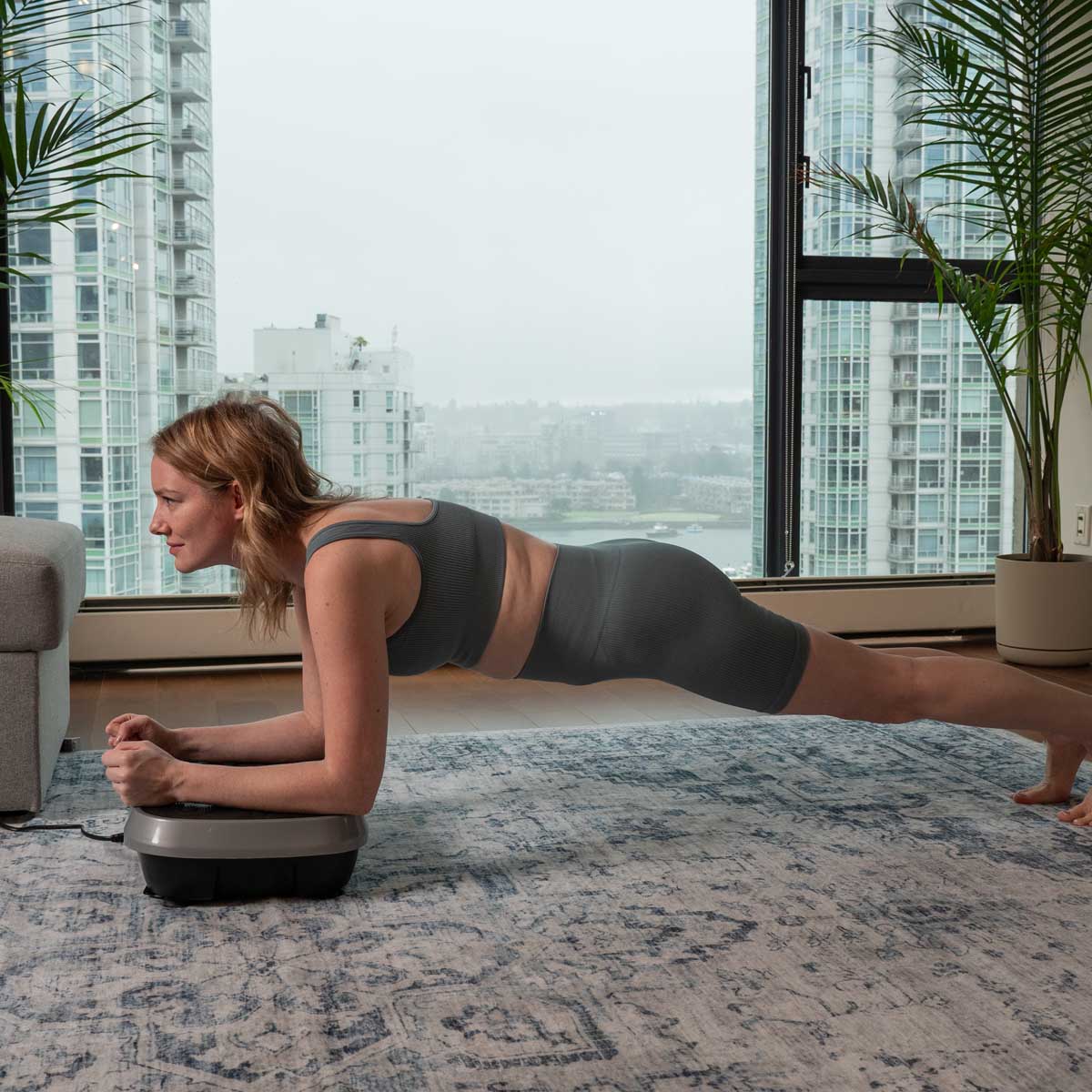
Attaching the Resistance Bands (optional):
- Locate the black metal brackets at the front-bottom of the vibration plate.
- Slide each bracket forward slightly to create space.
- Attach the resistance bands securely to the brackets.
- Keep bands and handles clear of the machine when they are not being used for your exercise session.
Who It’s For —
- At-home routines: quick sessions you can do in your own space.
- Desk days: a practical way to add movement before or after long stretches of sitting.
- Post-workout wind-down: commonly used as part of a recovery routine (within comfort).
- Busy parents: short sessions that fit between everything else.
- Seniors and beginners: adjustable intensity for a gentler starting point (use caution and follow safety guidance).
- Gifting: a thoughtful option for someone building a simple self-care routine at home.
Care, Cleaning & Storage
- Turn off, switch off the main power, and unplug before cleaning.
- Wipe the surface with a soft, slightly damp cloth; dry thoroughly.
- Avoid harsh cleaners, solvents, or soaking any part of the unit.
- Keep the unit in a dry area and store it where it won’t be stepped on or knocked over.
- Before each use, check that the plate is on a stable, suitable surface (hard flat floor or low pile carpet only).
Shipping & Returns
See shipping & returns policy for details.
Safety & Disclaimers
Follow the instructions in the user manual. Consult a medical professional prior to use if you have any medical conditions or concerns. Stay balanced and avoid putting all your weight on one side. Do not kneel on the plate. If you experience any discomfort while using the device, press the power button, turn it off, and discontinue use. If you’re unsure whether this product is suitable for you, seek professional guidance before starting.
FAQ
What does a vibration plate feel like?
It feels like a steady vibration under your feet. The sensation can be gentle or strong depending on the speed level you choose, so starting low is usually most comfortable.
How long should I use it per session?
The timer supports 10–20 minute sessions. Starting with a shorter session can help you learn what feels comfortable.
How often can I use a vibration plate at home?
Many people use it as part of a regular routine while keeping sessions within the recommended 10–20 minutes. Your ideal frequency depends on comfort and your routine. —
Can I adjust the vibration speed manually?
Yes. You can choose vibration speed levels from 1 to 120 using the control panel or the remote.
What are the Walking, Jogging, and Running programs?
They’re preset programs with set speeds: P01 Walking (Speed 20), P02 Jogging (Speed 40), and P03 Running (Speed 60). You can adjust the session time to your routine.
Can I use it on carpet or hardwood floors?
Use it on a hard, flat flooring surface or low pile carpet only. Suction cups can help secure the unit on hard flooring.
Do I have to use the resistance bands?
No—resistance bands are optional. If you use them, attach them securely and keep bands and handles clear of the machine when not in use.
Is the remote included, and does it come with batteries?
The remote control is included, but it requires 2 x AAA batteries, which are not included.
What power does it use? |
The unit supports 110V to 220V at 50Hz–60Hz. Plug it into a compatible wall outlet as directed.
How do I clean the vibration plate?
Unplug it before cleaning. Wipe with a soft, slightly damp cloth and dry thoroughly. Avoid harsh cleaners and do not allow liquid to enter the unit.
What is the warranty?
This vibration plate includes a 1-year warranty.
Share