amaran
amaran Cam 4K Webcam | with — Auto · Lighting (Charcoal)
amaran Cam 4K Webcam | with — Auto · Lighting (Charcoal)
Couldn't load pickup availability
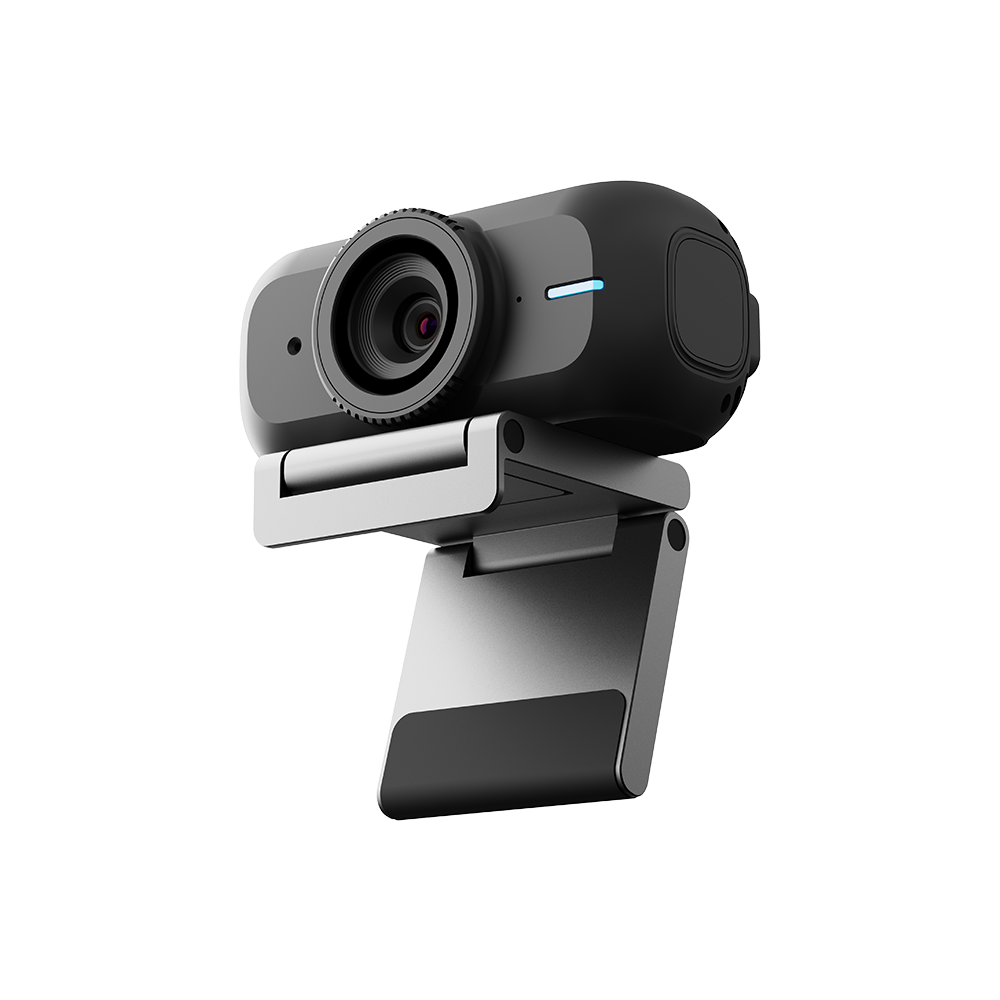
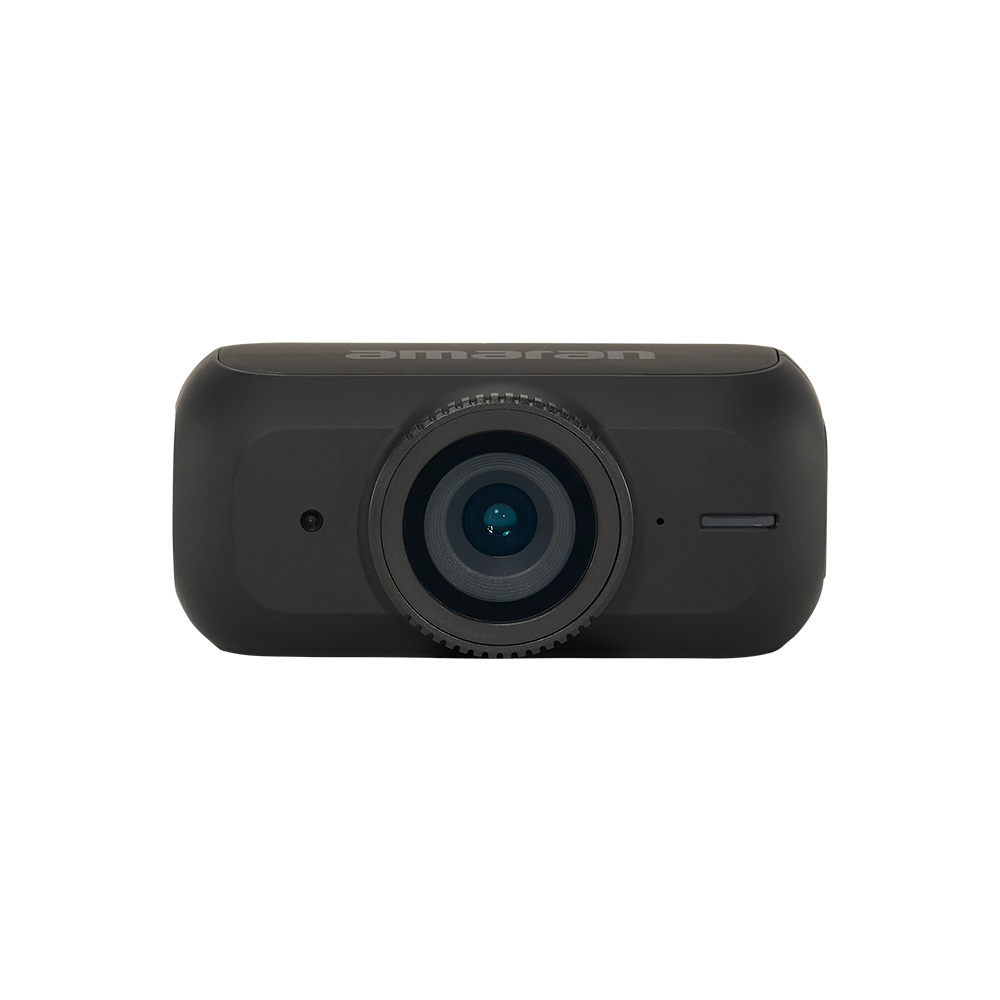
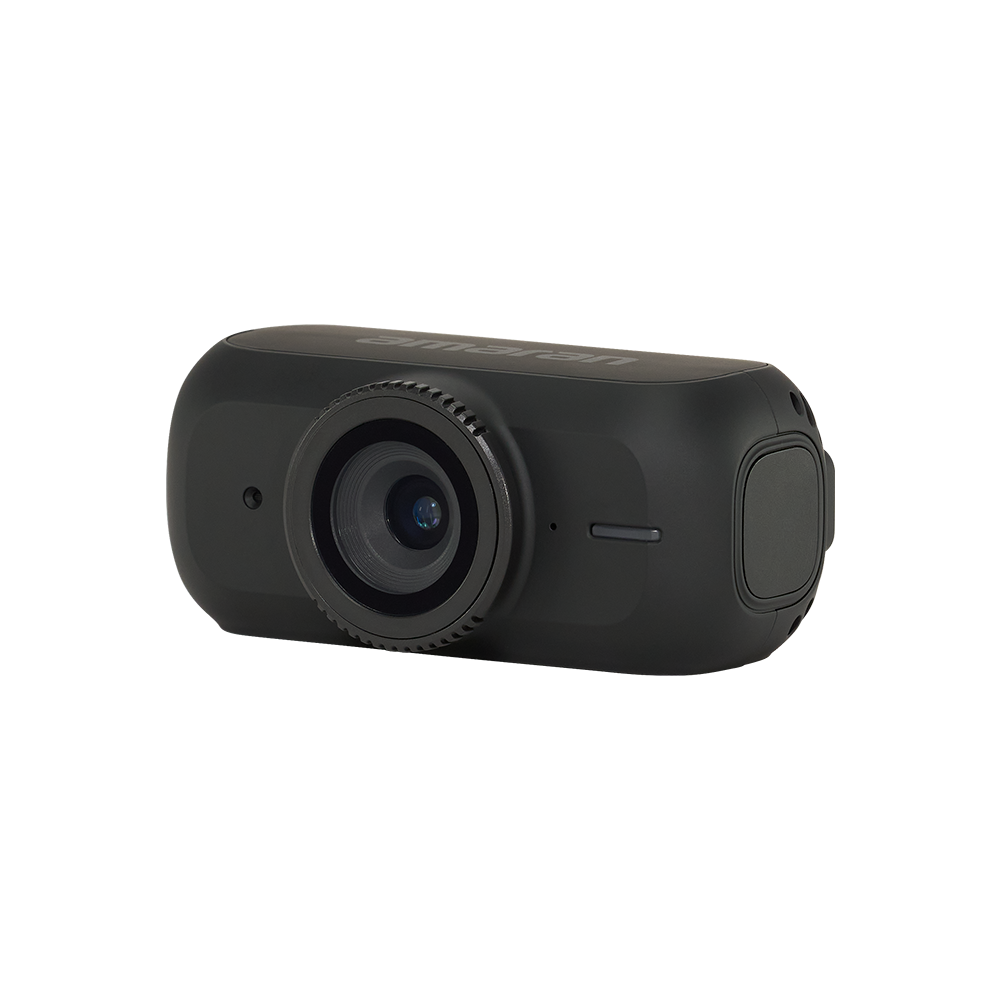
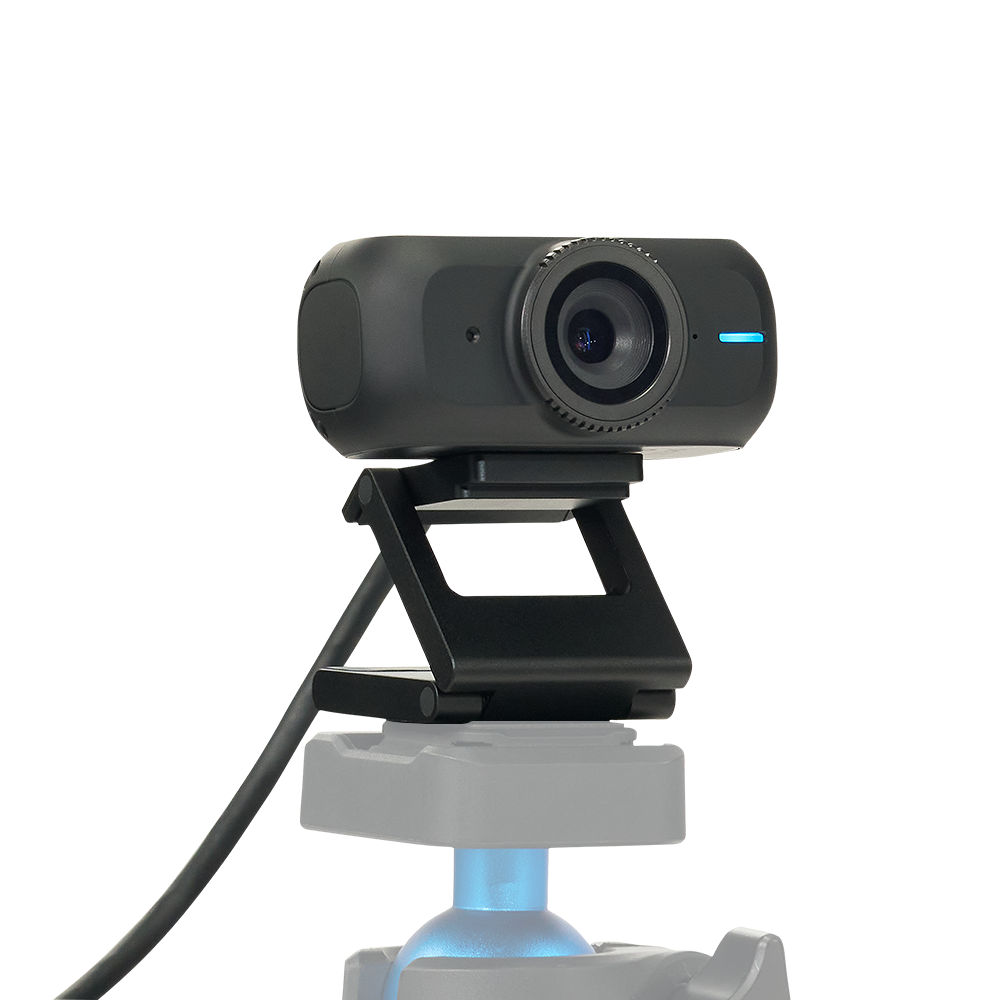
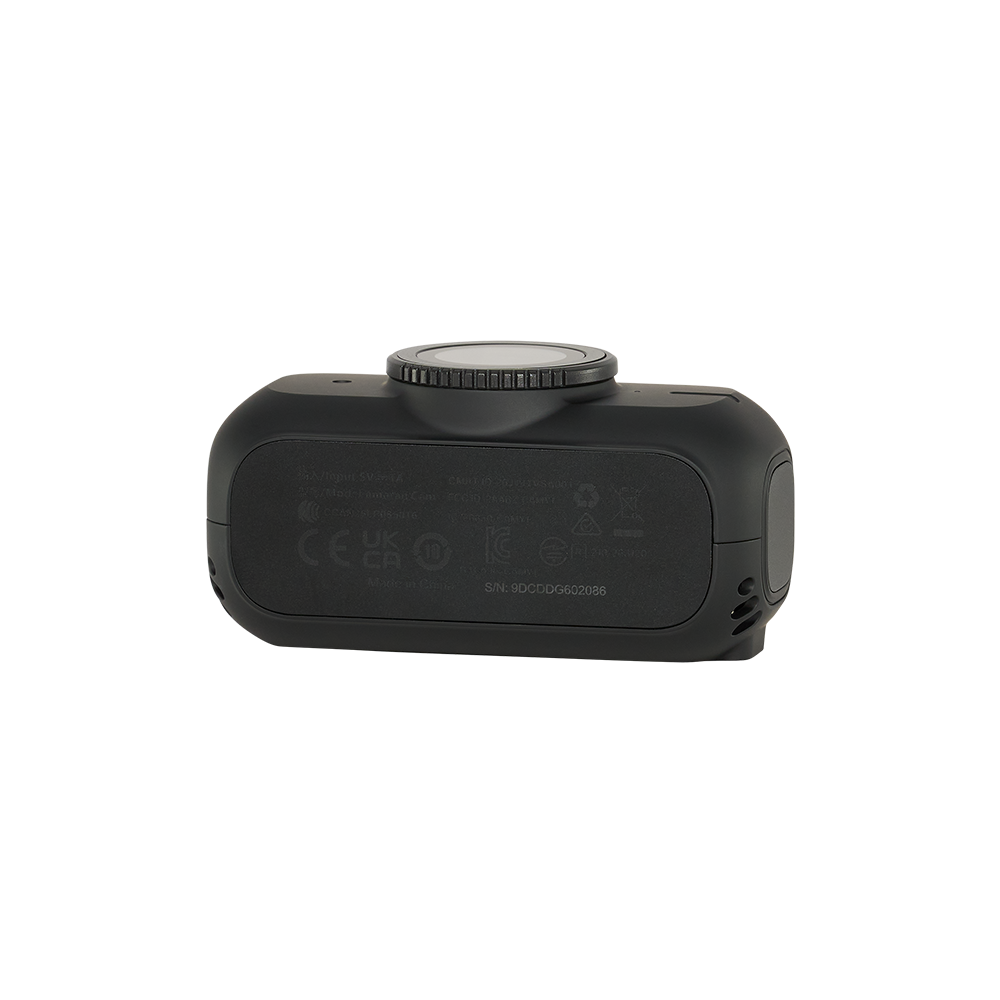
amaran Cam is a 4K60 USB-C webcam with a 1/1.3-inch sensor that reads the light on your face and adjusts connected amaran lights for you. It suits streamers, creators and anyone on video calls every day who wants a good-looking shot without fiddling with settings. —
Product Video
Key Selling Points


- Auto Lighting reads the exposure on your face and adjusts connected amaran lights in about 10 seconds. With two lights, pick an Even, Defined or Bold look.
- 4K at 60fps from a 1/1.3-inch sensor with an f/1.68 lens, for cleaner detail and better low-light results than a typical small-sensor webcam.
- 2x lossless zoom in 4K, from a 24mm-equivalent wide view to a 50mm-equivalent close-up.
- Hybrid PDAF/CAF autofocus locks onto a new subject in under 1/4 second.
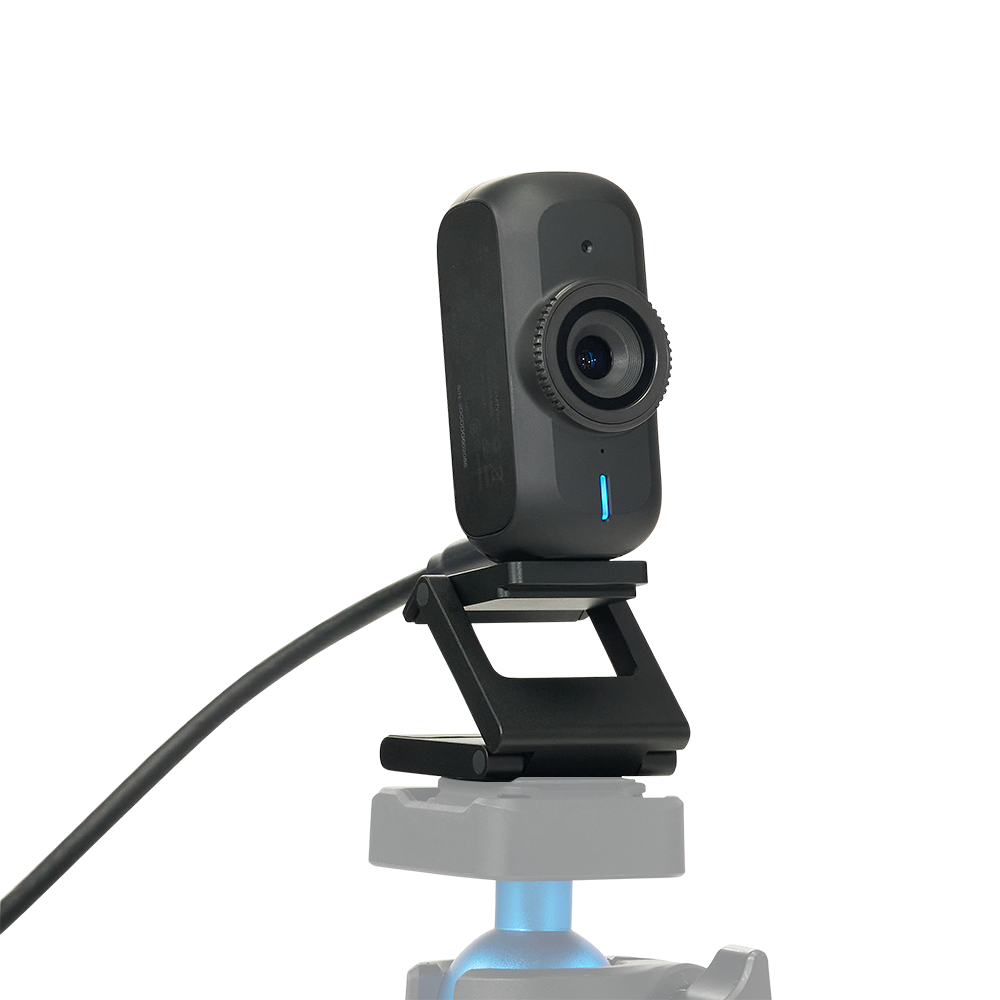
- Rotate the camera for native 9:16 vertical video up to 4K60 with no cropping.
- Run up to 4 amaran Cams in one setup and switch views in the amaran Desktop app.
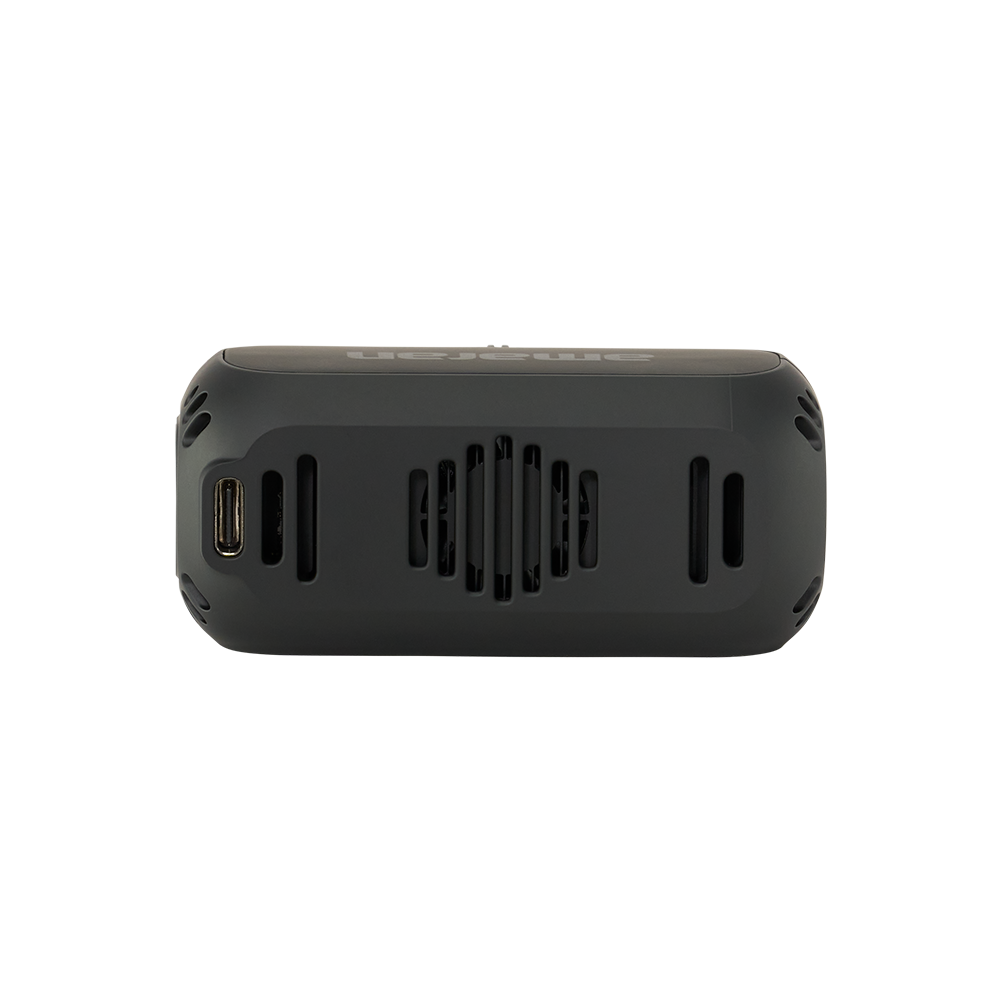
- Active cooling, rated for 72+ hours of continuous 4K60 operation.
‣ In the Box
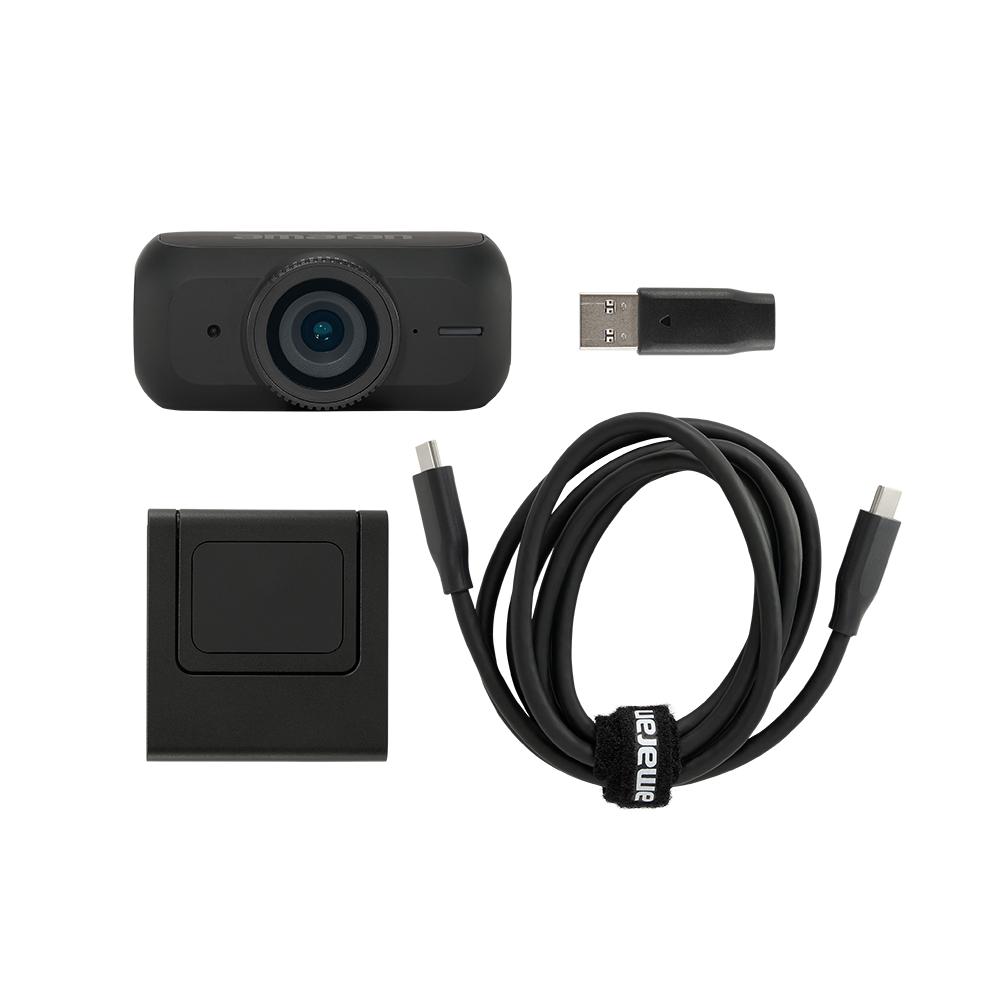
- 1x amaran Cam (Charcoal)
- 1x amaran USB-C to USB-C Data Cable (1.5m, USB 3.0, 5Gbps)
- 1x amaran USB-C to USB-A Adapter (USB 3.0, 5Gbps)
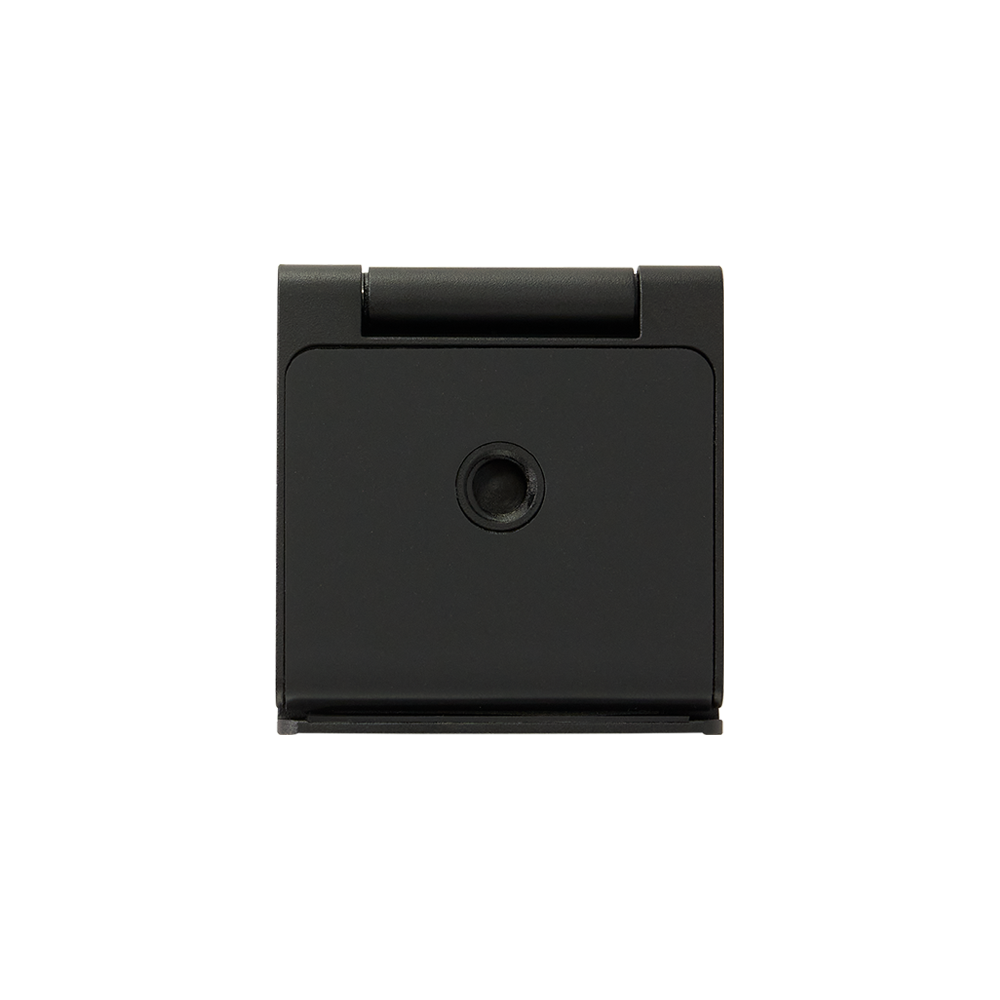
- ◆ 1x Magnetic Mount for amaran Cam
- 1x Quick Start Guide
FAQ
Do I need amaran lights to use amaran Cam?
No. It works as a 4K webcam on its own. Auto Lighting needs the amaran Desktop app and compatible amaran lights; amaran lists the compatible fixtures in its app.
Which apps does it work with?
It works with OBS Studio, Streamlabs, Twitch, YouTube, Zoom, Microsoft Teams, Google Meet and Slack.
Can I plug it into a USB hub?
Plug it directly into a USB 3.0 port on your computer. amaran advises against unpowered USB hubs or adapters, because they may not supply stable power.
Will my computer run it at 4K60?
amaran recommends an Apple M1 Mac or newer, or a PC with a 10th-gen Intel Core i5 or newer and 8GB of RAM, for 4K60. It needs Windows 10 (64-bit) or macOS 13.0 or later.
Can I mount it on a tripod or stand?
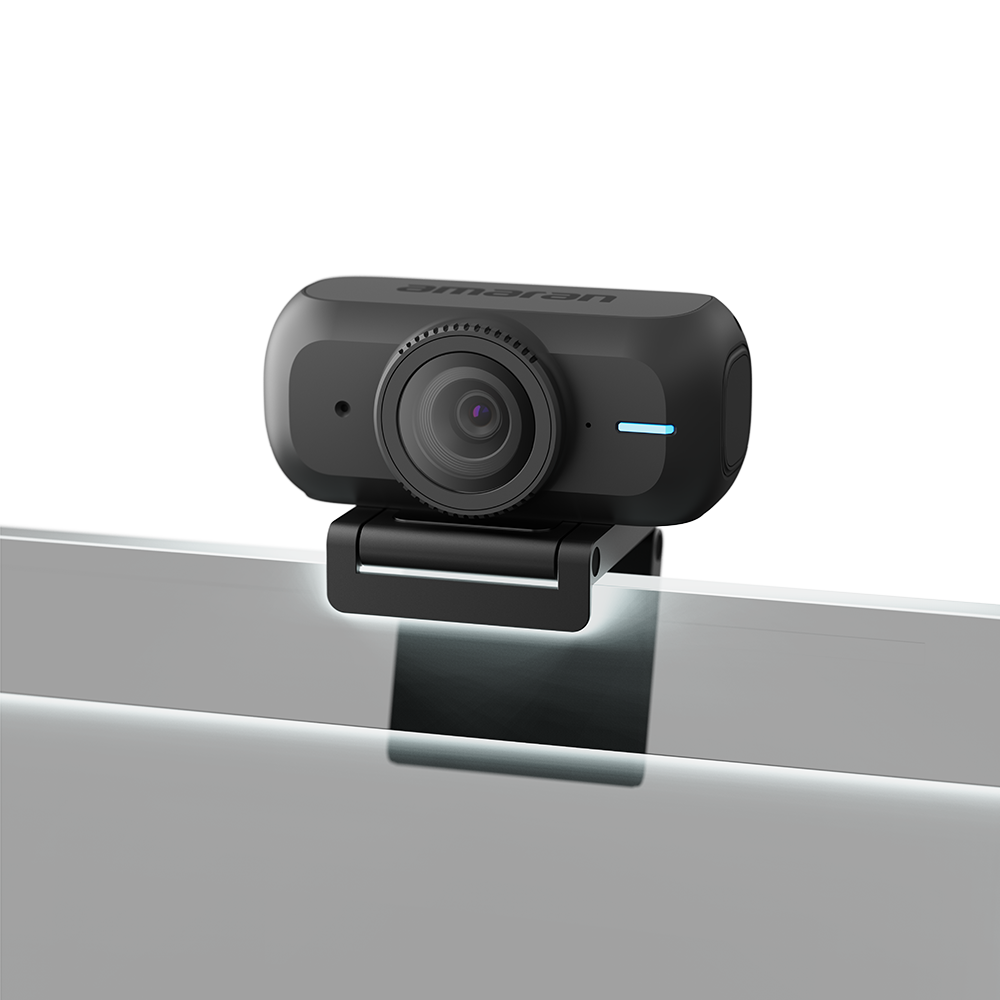
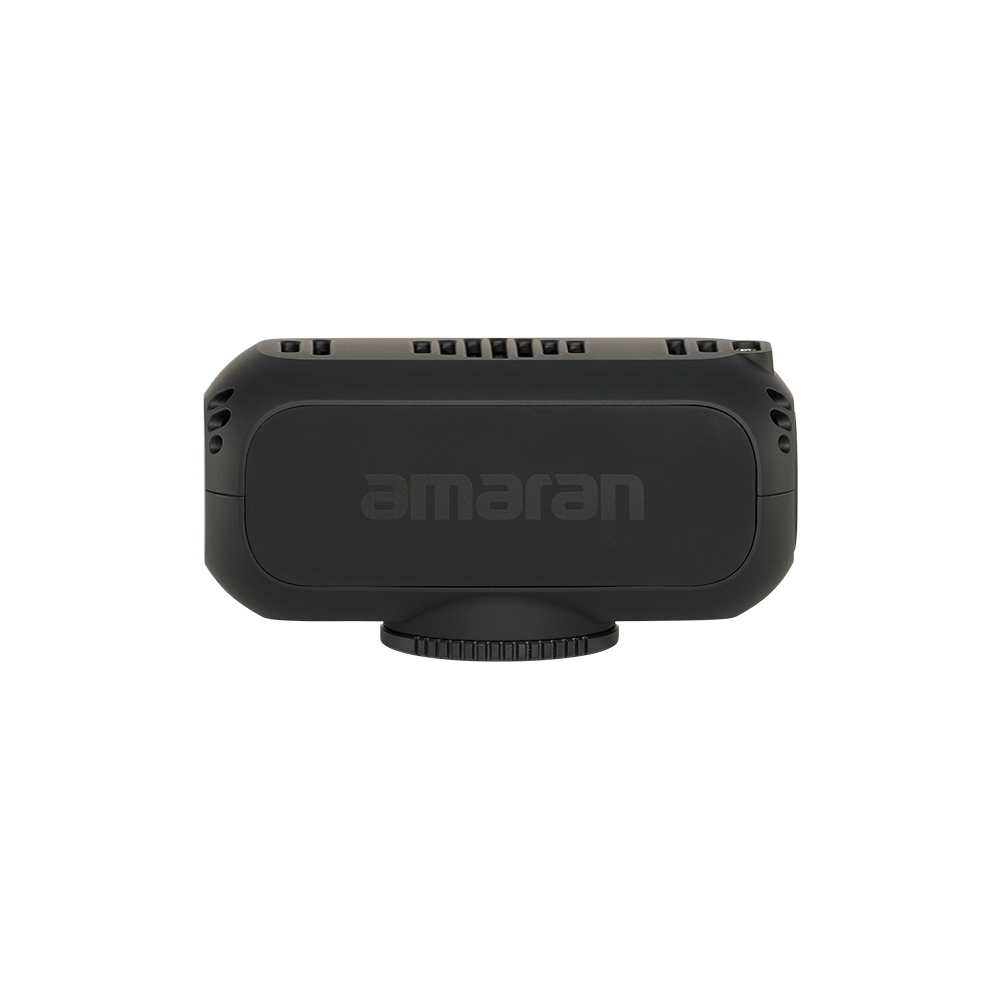
Yes. The included magnetic mount clips onto a monitor and has a 1/4"-20 thread for a tripod or stand. The camera also sits flat on a desk.
Can it shoot vertical video?
Yes. Rotate the camera and it switches to full-resolution 9:16 output up to 4K60, with no cropping. ·
Specifications
| Video | Up to 4K at 60fps |
| Sensor | 1/1.3-inch |
| Aperture | f/1.68 |
| Full-Frame Equivalent Focal Length | 24mm (50mm with 2x lossless zoom) |
| Field of View | 85° |
| Autofocus | Hybrid PDAF/CAF |
| Connection | USB 3.0 or above, USB-C |
| Power Input | 5V / 1A |
| Mounting | Magnetic mount with 1/4"-20 thread |
| Dimensions | 73.9 x 37.8 x 32.8mm (2.91 x 1.49 x 1.29 in) |
| Magnetic Mount Dimensions | 4.4 x 4.2 x 1.4cm |
| USB-C Cable Length | 1.5m (4.92 ft) |
| Weight | 68.8g (camera only), 132.2g with mount |
| Operating Temperature | -10°C to 40°C |
| Operating Humidity | 15% to 80% |
| Storage Humidity | 5% to 95% |
| System Requirements | Windows 10 (64-bit) or later; macOS 13.0 or later |
| Recommended for 4K60 | Apple M1 Mac or later; PC with 10th-gen Intel Core i5 or later and 8GB RAM |
Works With
- amaran Verge Bi-Color Soft Panel: the desk light amaran pairs with the Cam in its streaming bundles.
- amaran Verge Max Bi-Color Circular Soft Panel Light Kit: a larger desk key light from the same family.
Auto Lighting only controls amaran lights that appear in the compatibility list in the amaran app. Check that list before buying a light for this purpose.