AIMO
| Aimo QF300 80mm Thermal Receipt Printer /POS Prnter – USB & Ethernet, Auto Cut —
| Aimo QF300 80mm Thermal Receipt Printer /POS Prnter – USB & Ethernet, Auto Cut —
Couldn't load pickup availability
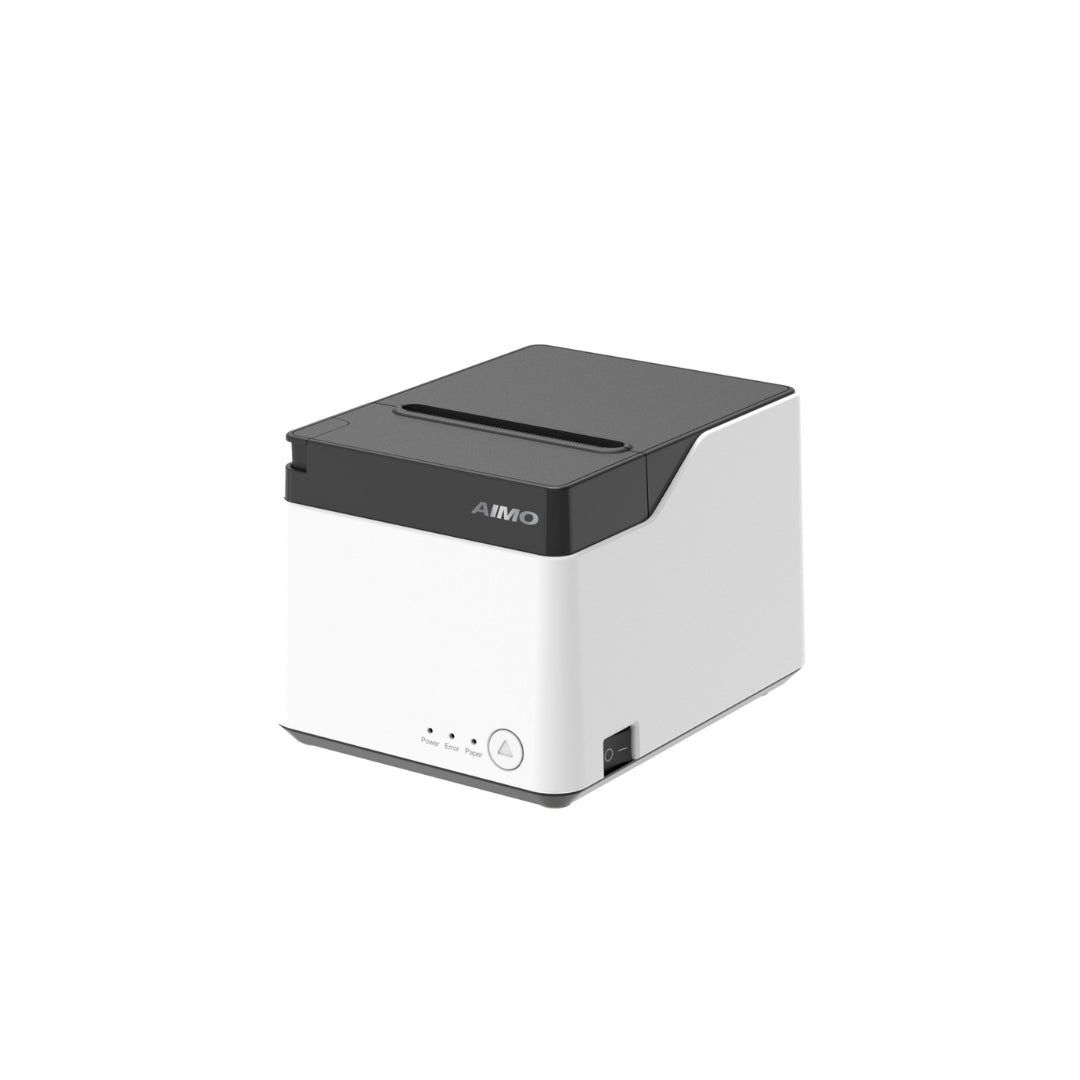
Aimo QF300 80mm Thermal Receipt Printer
Keep receipt printing moving at your checkout with the Aimo QF300. This 80mm thermal POS printer offers a listed speed of 260 mm/s, USB and Ethernet connections, and an automatic cutter for everyday use in restaurants, retail shops and hospitality businesses in Dubai and the UAE. —
Key features
- 80mm paper width
- Listed printing speed: 260 mm/s
- 203 DPI resolution
- ◆ USB and LAN (Ethernet) connections
- No Wi-Fi or Bluetooth
- Automatic cutter supporting partial and full cuts
- ESC/POS command set
- Listed driver support for Windows, Mac and Linux
- ‣ Listed language support including Arabic, Latin, Greek, Cyrillic and Hebrew
Before ordering, confirm that your POS software, operating system and connection setup support this printer's ESC/POS requirements. · ESC/POS support alone does not guarantee compatibility with every POS system.
Technical specifications
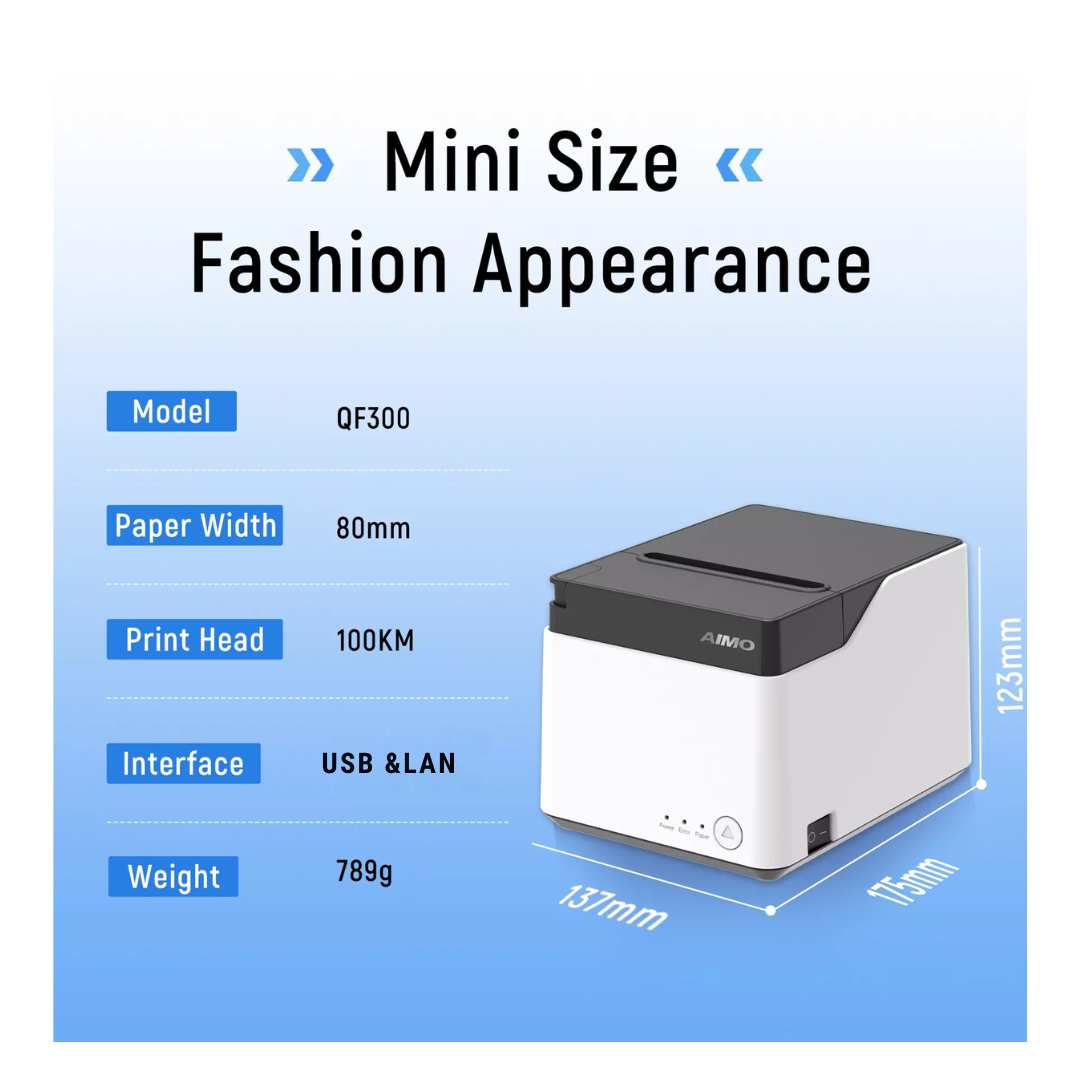
- Model: QF300
- Power: AC 220V / DC 24V 1.5A, as listed ·
- Product dimensions: 137 × 175 × 123 mm
- Net weight: 789 g
Questions & Answers
What paper width does the QF300 use?
The listed paper width is 80mm for thermal receipt printing.
Does it have Wi-Fi or Bluetooth?
No. This model is listed with USB and LAN (Ethernet) connections only, not Wi-Fi or Bluetooth.
What is the listed print speed and resolution?
The listed printing speed is 260 mm/s and the resolution is 203 DPI.
Does it cut receipts automatically?
Yes. Its automatic cutter supports both partial and full cuts.
▪ Which software command set and operating systems are listed?
It uses ESC/POS commands, with listed driver support for Windows, Mac and Linux. Check your specific POS software and operating-system requirements before purchase.
Does it support Arabic printing? |
Arabic is included in the listing's language support, along with Latin, Greek, Cyrillic and Hebrew. Confirm your software and encoding setup for the required language output.
Share